How to create and set an application icon (cocoa)
Jump to navigation
Jump to search
- Run Icon Composer (part of XCode)
- Drag your image(s) in, until it looks like this
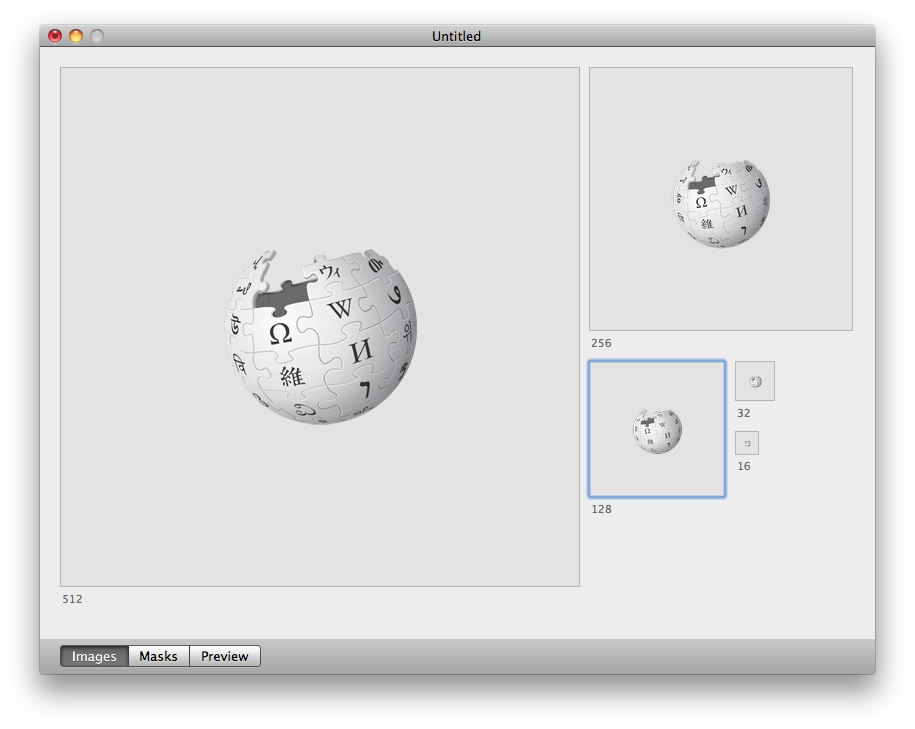 and
and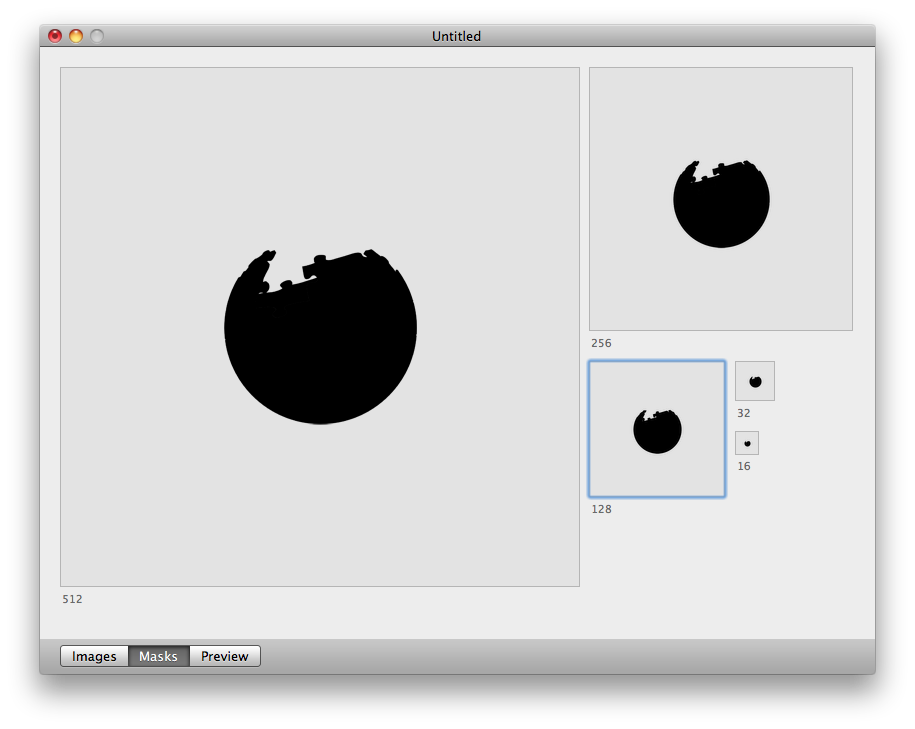 and
and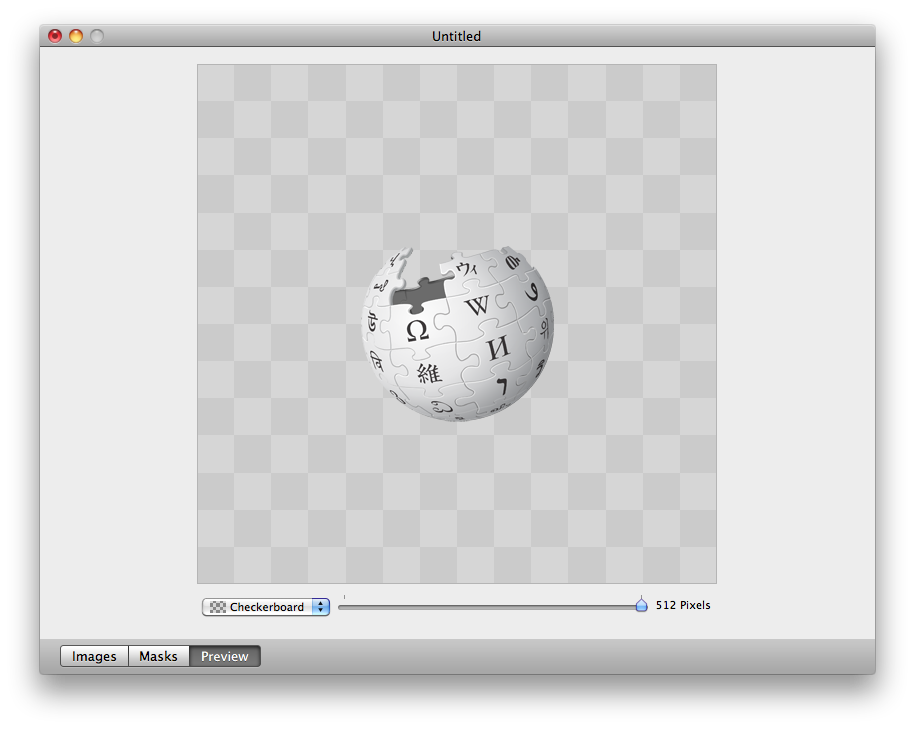
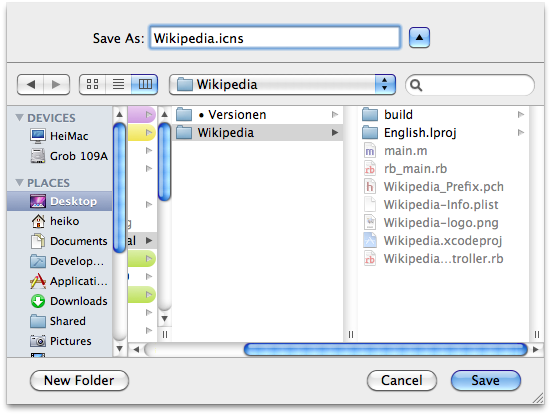
- Now save it into your project folder like this:
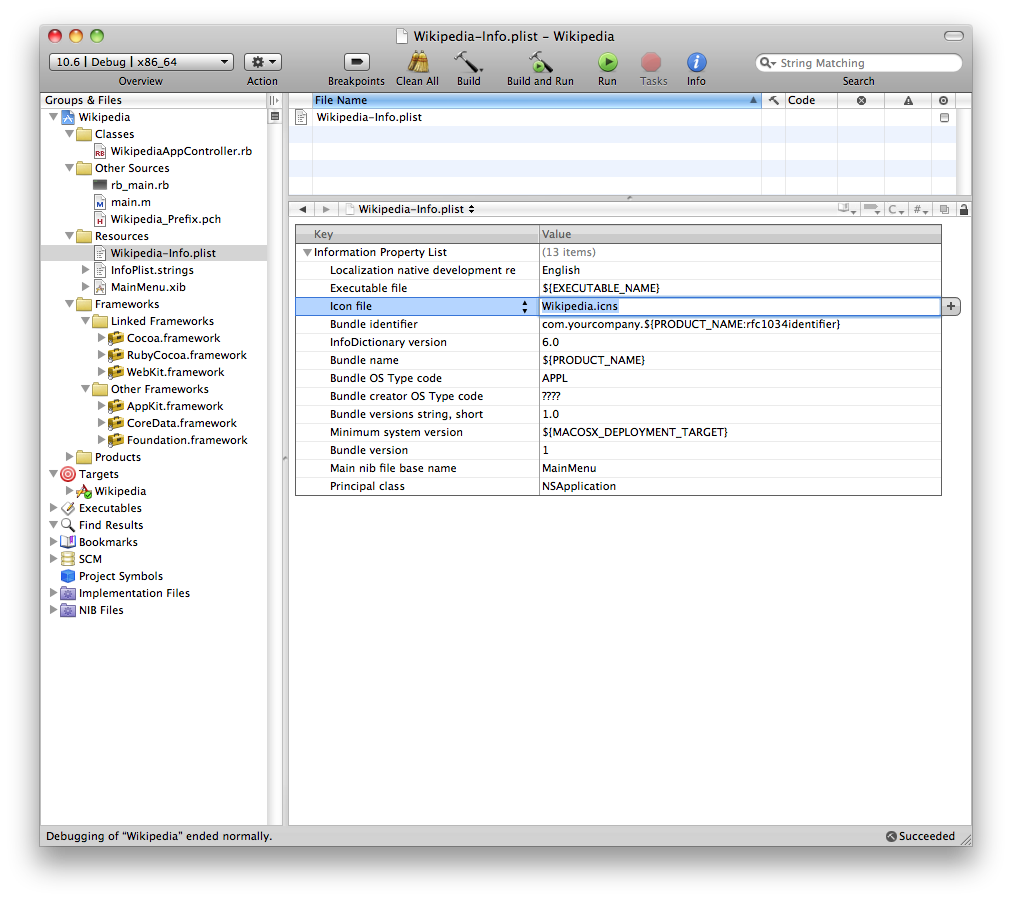
- Set the Icons-File-name in the properties:
- Drag the Icons-File into your project's Resources:
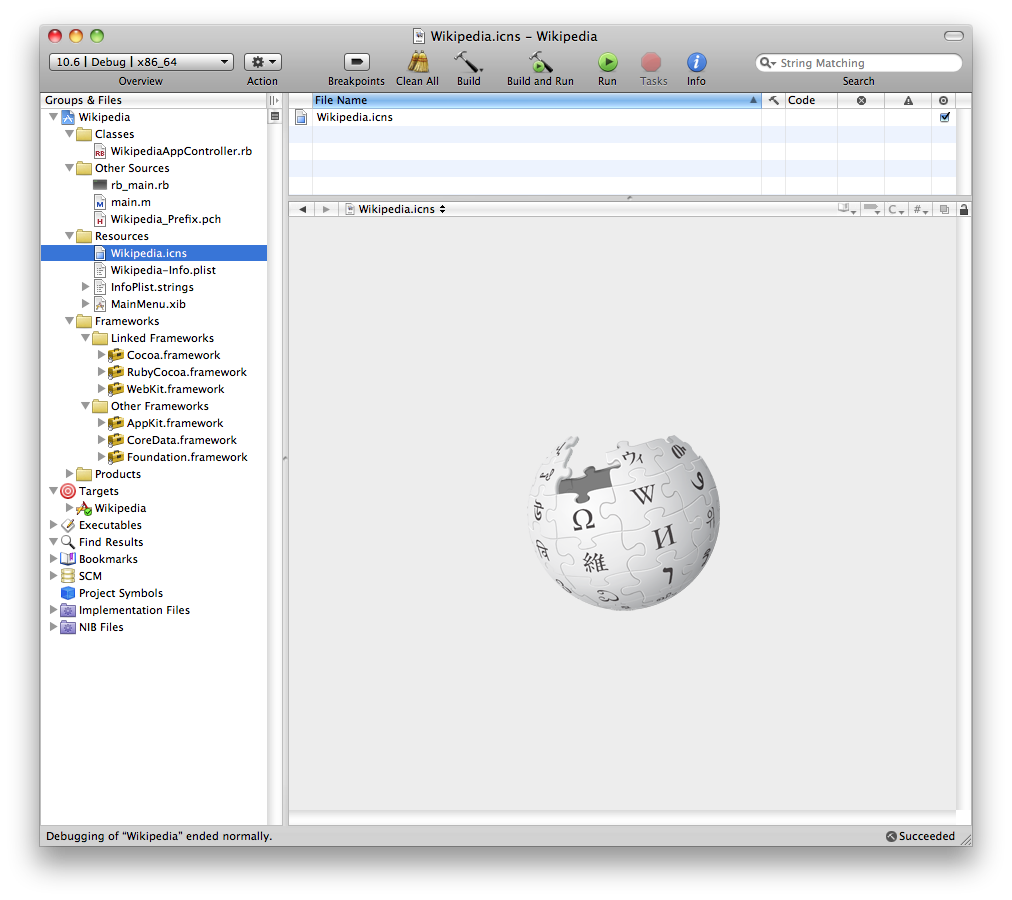
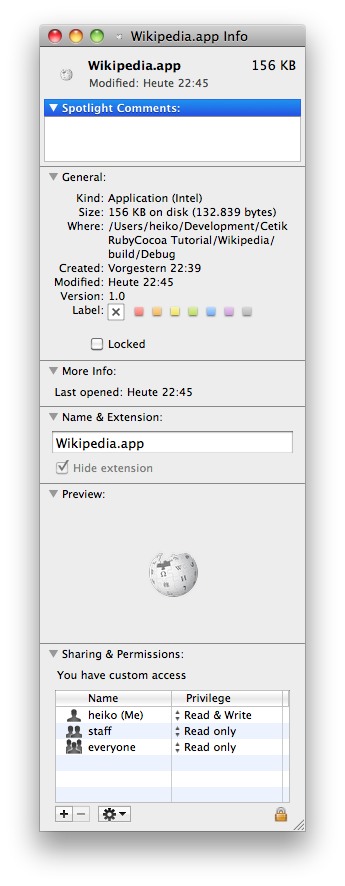
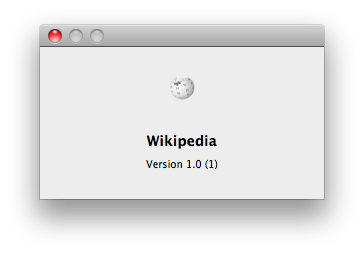
- If everything worked, it looks now like this:
 and
and